Linux Revives Old Laptop, Beats Windows 11
A 10-year-old Lenovo ThinkPad X1 Carbon gets a new lease on life with Linux Mint, proving that older hardware can still be a capable daily driver. Despite limitations like battery life, the resurrected laptop offers great value and performance for its price.

Linux Gives 10-Year-Old Laptop New Life
Microsoft might tell you to toss your old computer, but a recent experiment shows there’s plenty of life left in aging hardware. By switching to Linux, a 10-year-old Lenovo ThinkPad X1 Carbon Gen 5 was transformed from an ‘obsolete’ machine into a capable daily driver. This shows that older laptops don’t need to end up in landfills.
From Obsolete to Operational
The laptop in question is a Lenovo ThinkPad X1 Carbon Gen 5, originally released in 2017 with a starting price of $1,100. Found for a mere $250 on eBay, this machine boasts 16GB of RAM and a 512GB SSD. However, its 7th generation Intel Core i7 processor means it’s no longer supported by Windows 11. Instead of giving up on it, the decision was made to install Linux Mint, a free and popular Linux distribution.
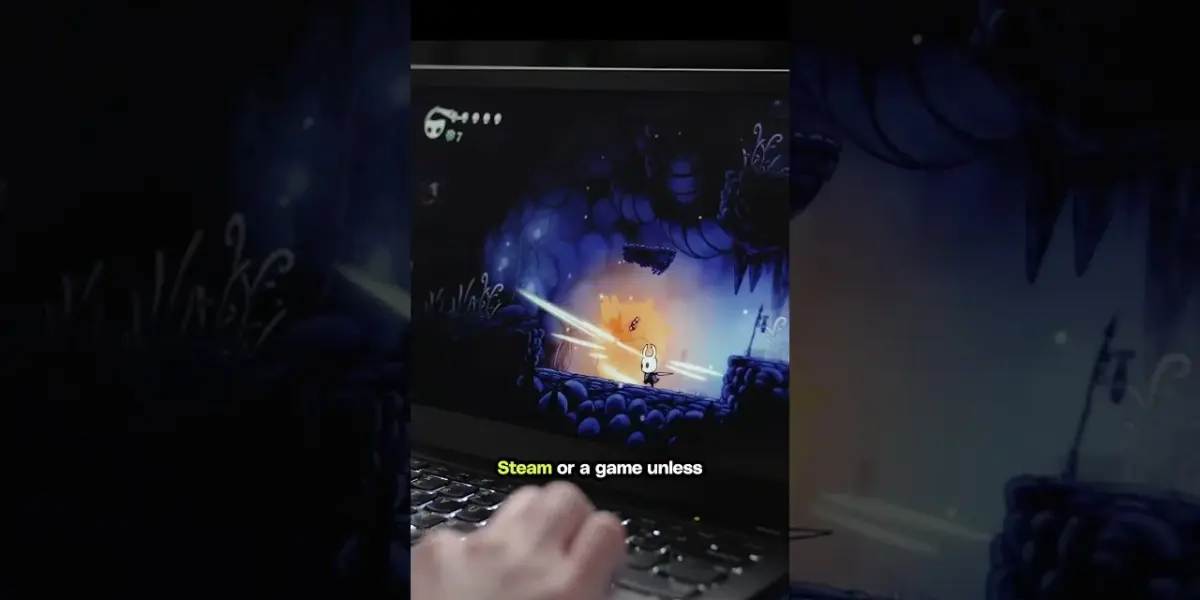
The upgrade process was surprisingly quick, taking less than 30 minutes. The result? A fully updated operating system that runs smoothly on older hardware. This Linux-powered ThinkPad handled everyday tasks like browsing with Firefox and using Slack without any hiccups. It even managed to run a few lighter games from Steam, proving its continued usefulness.
Performance and Battery Life: What to Expect
While the switch to Linux breathed new life into the ThinkPad, some limitations remain due to its age. Battery life is a notable concern, offering only about four to five hours on a full charge. Gaming performance is also limited, with a full charge lasting only about 30 minutes to an hour when running Steam or a game, unless the laptop is plugged in. These figures are not unexpected for a decade-old device.
For those looking to extend battery life, a replacement battery can be purchased for around $70. This could potentially add a few more hours of use between charges.
The ThinkPad Advantage: Keyboard, Build, and Ports
Despite its age, the ThinkPad X1 Carbon shines in several key areas. The keyboard is exceptional, featuring a satisfying amount of key travel that makes typing a pleasure. The build quality has also held up remarkably well over the past decade; the laptop still feels solid and shows no significant wear. The Full HD display, while basic, still looks good and functions perfectly, with no display driver issues encountered during the Linux installation.
Another significant advantage of older laptops like this ThinkPad is the generous selection of ports. It includes two USB-C ports, two USB-A ports, and an HDMI port. This is a stark contrast to modern ultrabooks, like the MacBook, which often rely solely on USB-C. Having these legacy ports offers much greater flexibility for connecting peripherals.
A Smart Buy for the Savvy User
For $250, this resurrected ThinkPad X1 Carbon is a compelling option. It offers more RAM and storage than many new laptops in the same price bracket, especially with current memory prices. It proves that a 10-year-old laptop doesn’t have to be discarded simply because it doesn’t meet the requirements for the latest Windows version. Linux provides a powerful and free alternative, extending the useful life of perfectly functional hardware.
Specs & Key Features
- Model: Lenovo ThinkPad X1 Carbon Gen 5 (2017)
- Purchase Price: $250 (used on eBay)
- Original Price: $1,100 (in 2017)
- Processor: Intel Core i7 7600U (7th Gen)
- RAM: 16GB
- Storage: 512GB SSD
- Operating System: Linux Mint (installed)
- Display: Full HD
- Ports: 2x USB-C, 2x USB-A, 1x HDMI
- Battery Life: 4-5 hours (typical use), 0.5-1 hour (gaming/Steam, unplugged)
- Replacement Battery Cost: Approx. $70
Who Should Consider This?
This project is ideal for tech enthusiasts looking to save money, tinker with hardware, or simply extend the life of older devices. Students, budget-conscious professionals, or anyone who needs a reliable secondary machine could benefit. If you value a great keyboard, solid build quality, and a good selection of ports over the latest features, an older ThinkPad running Linux is a fantastic choice.
The availability of used ThinkPads like this one on platforms like eBay makes it accessible. While specific prices and availability will vary, the core message remains: don’t underestimate the power of Linux to revitalize aging technology.
Source: Linux on a 10 year old Lenovo (YouTube)

Related Articles


New Linux Script Defies Age Verification Mandate
A new script called 'ageless Linux' is challenging California's Digital Age Assurance Act, which mandates age verification in operating systems. The script aims to bypass the law, raising privacy concerns and sparking debate about digital control.


Linux Saves the Day: WAN Show Broadcast from Asia
A forgotten microphone and a broken laptop webcam sent WAN Show host Luke on a frantic tech mall scavenger hunt in South Korea. Linux, against all odds, powered the live broadcast using a smartphone as a webcam.


Linux Desktop Dominance? The WAN Show Weighs In
The WAN Show dives into the persistent challenge of Linux adoption on the desktop. While significant strides have been made in usability and software, hurdles like professional application support and gaming compatibility remain key discussion points for its future mainstream success.