How to Optimize Videos for ChatGPT’s New Search
ChatGPT is starting to include video content in its answers. Learn how to optimize your videos with clear titles, descriptions, and transcriptions to ensure they are discoverable by AI search.

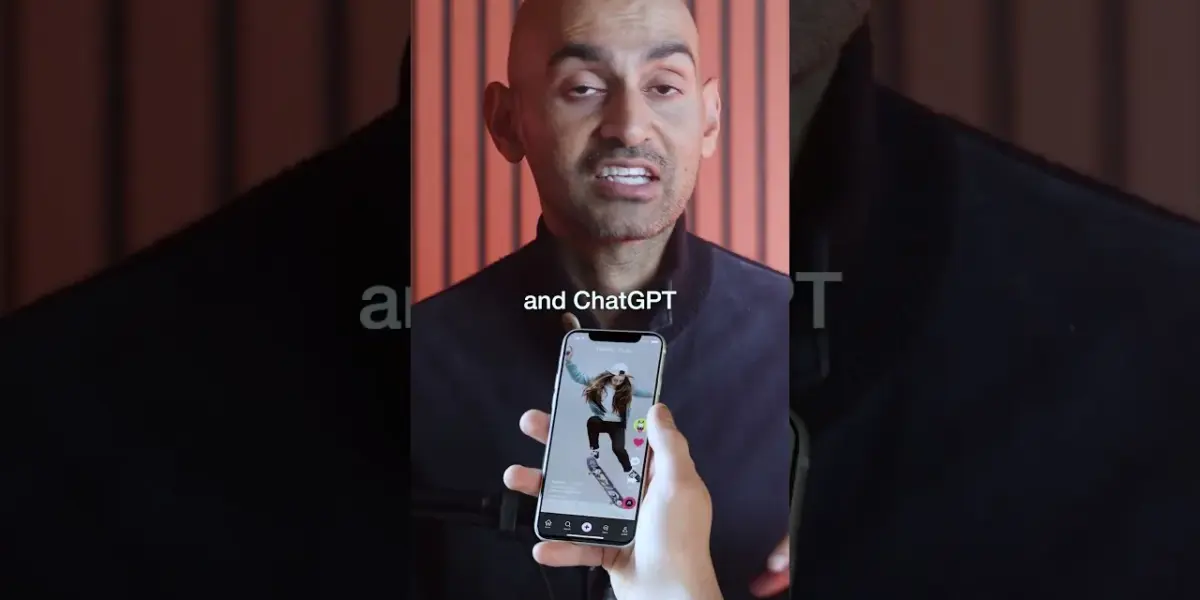
Prepare Your Content for ChatGPT’s Video Integrations
ChatGPT is changing how it answers questions, and video is becoming a big part of it. Soon, you might see video links, like from YouTube or TikTok, right alongside text answers. This is a major update that most people are missing. It means that simply having good text won’t be enough to get noticed by ChatGPT.
Why Video Matters for ChatGPT
Think about how you find information online. Many people prefer watching videos over reading long articles. ChatGPT is noticing this trend and is starting to include video content in its search results. It’s similar to how Google shows video carousels when you search for something. ChatGPT is adapting to what users actually want to consume.
How to Get Ready
To make sure your content appears when ChatGPT searches for answers, you need to create and optimize your videos. This guide will show you how to make your videos discoverable by ChatGPT’s evolving algorithm. You’ll learn how to make your video content stand out and reach a wider audience.
Step 1: Create Video Content About Your Main Topics
Start by making videos that focus on the subjects you know best. Since ChatGPT will be looking at platforms like YouTube, TikTok, and other social media more often, your videos need to be there. Think about what questions people ask about your area of expertise. Then, create videos that provide clear and helpful answers to those questions.
Step 2: Optimize Your Videos for Search
Making a video is only the first part; you also need to make it easy for search engines and AI to find. Use titles that clearly state what the video is about. Write detailed descriptions that give more context and include relevant keywords. Don’t forget to naturally use these keywords within your video script itself. This helps AI understand the content of your video.
Tip: Use Keywords Naturally
Avoid just stuffing keywords into your description or title. Instead, focus on creating content that is genuinely helpful and informative. Use keywords where they make sense in your sentences, just like you would in a normal conversation. This approach helps both people and AI find your content more easily.
Step 3: Transcribe Your Video Content
AI, like the kind used by ChatGPT, can read text. This means it can understand the words spoken in your video, as well as any text that appears on screen or in your captions. Therefore, it’s crucial to transcribe your videos. This process makes your video content machine-readable.
How to Transcribe
Many video platforms, like YouTube, offer automatic captioning. You can then edit these captions for accuracy. You can also use dedicated transcription services or software. Ensure that your captions are accurate and cover all spoken words. Also, include any important on-screen text in your transcriptions or descriptions.
Expert Note: Captions are Key
Think of captions and transcriptions as the bridge between your video’s audio and visual information and the AI’s ability to process it. Accurate transcriptions are essential for AI to understand the context, topics, and keywords within your video. This directly impacts how likely your video is to be featured in AI-driven search results.
Step 4: Make Video Content a Priority
Video is no longer just an option for content creators; it’s becoming a necessity. As AI search tools like ChatGPT evolve, they will increasingly rely on video content to provide comprehensive answers. Being present and visible on video platforms is now a key part of how you show up in AI-driven discovery. Start integrating video into your content strategy today to stay ahead.
Warning: Don’t Ignore Video
If you’ve been focusing only on written content, now is the time to adapt. Ignoring video means missing out on a significant way that users are finding information. Prepare your video content now so that it can be easily found and used by AI search engines in the future.
Source: The ChatGPT Update Nobody Talked About (YouTube)

Related Articles


New Food Channel Seeks 1,000 Subs, 4,000 Watch Hours
Content creators Joe and Naz have launched a new YouTube channel focused on food exploration. "Joe and Naz" aims to reach 1,000 subscribers and 4,000 watch hours to grow its audience. The duo plans to feature restaurant reviews, travel, and audience-suggested content.

ChatGPT Adds Library Tab, Google Overhauls AI Studio
This week's AI news highlights significant updates from major players. ChatGPT now features a Library tab for easier document management, while Google has overhauled its AI Studio, merging it with an app builder to simplify the creation of multiplayer experiences. We also look at Midjourney V8's performance, user hopes and fears about AI from an Anthropic study, and quick updates from Gamma, OpenAI, and Claude.

Tell Google Exactly What Your Business Does
Learn how to use schema markup to explicitly tell search engines like Google what your business offers. This guide explains how structured data can improve your website's visibility and search rankings.