Gemini Canvas Transforms Text into Interactive Content
Google's Gemini chatbot now features an upgraded Canvas environment, allowing users to transform text into interactive web pages, quizzes, and infographics with simple clicks. This feature streamlines content creation for a wide range of users.

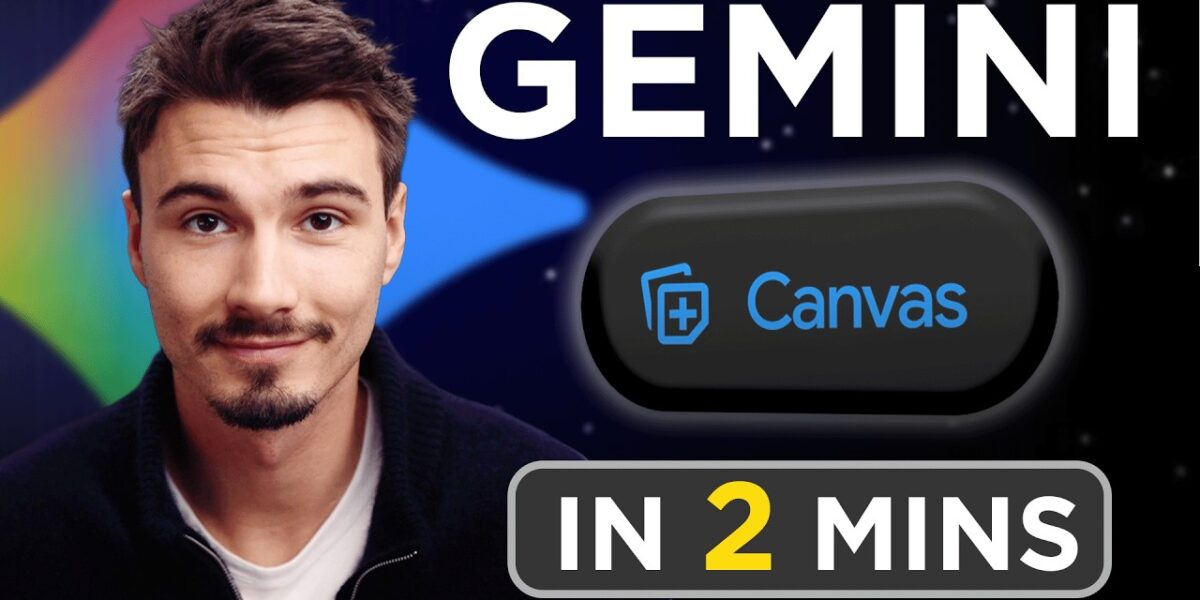
Gemini Canvas Unleashes New Content Creation Capabilities
Google’s AI chatbot, Gemini, has received a significant upgrade with enhanced features within its Canvas environment, transforming the way users can interact with and repurpose generated text. What was once primarily a text-generation tool now offers robust functionalities for creating dynamic content formats, including interactive web pages, quizzes, and infographics, all with a few simple clicks.
What is Gemini Canvas?
Gemini Canvas can be thought of as a sophisticated AI-powered editor, akin to a cloud-based version of Microsoft Word but with a suite of advanced AI tools. It allows users to not only generate text but also to manipulate, format, and transform it into various media types. This feature is accessible to anyone with a Google account by navigating to gemini.google.com. A key step for utilizing these advanced features is to actively enable Canvas within a new chat session by selecting ‘Tools’ and then ‘Canvas’.
Effortless Text Manipulation
The core functionality of Gemini Canvas builds upon standard text editing. Users can input prompts for essays, blog posts, tweets, code, or any other written content. Once generated, the text behaves much like a Google Doc, with automatic saving and cloud-based storage. Beyond basic formatting like changing heading sizes and styles, Canvas offers unique AI-driven editing tools:
- Change Length: A simple slider allows users to instantly shorten or lengthen the generated text, adapting it to different requirements.
- Change Tone: Users can adjust the sentiment and style of the text to better suit their intended audience or purpose.
- Suggest Edits: Perhaps the most powerful editing feature, this function analyzes the text and provides specific, pre-generated suggestions for improvement, highlighting areas that could be refined. This feature automatically annotates potential changes, streamlining the editing process.
Transforming Text into Diverse Formats
The recently added capabilities within Gemini Canvas are where its true potential lies. Accessible through a ‘Create’ field in the top right corner of the interface, these features leverage Google’s expertise in various applications to offer seamless content conversion:
- Infographics: Transform dense text into visually appealing infographics, making complex information easier to digest.
- Quizzes: Convert informative text into interactive quizzes, ideal for educational purposes or engaging content.
- Web Pages: Generate a basic, aesthetic web page from your text, providing a polished way to share information online. The example given involved turning an essay about the Amazon rainforest into a webpage.
These transformations are available with a single click, democratizing the creation of diverse content formats that previously required specialized skills or software.
Why This Matters
The enhancements to Gemini Canvas represent a significant step forward in making advanced AI tools accessible and practical for everyday users. The ability to quickly repurpose text into multiple formats without leaving the Gemini interface dramatically lowers the barrier to entry for content creation. This is particularly impactful for:
- Students: Easily creating study aids like quizzes or visually summarizing research for presentations.
- Educators: Developing engaging lesson materials, from infographics to interactive tests.
- Content Creators: Rapidly generating different versions of content for various platforms, such as blog posts, social media snippets, or even basic web content.
- Small Businesses: Creating marketing materials, informational web pages, or internal documentation more efficiently.
By integrating these powerful conversion tools directly into a conversational AI, Google is empowering users to move beyond simple text generation and engage in more complex, multi-modal content creation workflows. The seamless integration and ease of use suggest a future where AI assistants are not just information providers but active collaborators in the creative process.
Availability
The enhanced Gemini Canvas features are available to all users with a Google account on all Gemini plans. Users can access it by visiting gemini.google.com and ensuring the Canvas tool is enabled within their chat settings.
Source: How to Use Gemini Canvas in 2 Minutes (For Beginners) (YouTube)

Related Articles


AI ‘Vibe Coding’ Promises Speed, But Delivers Chaos
The rise of 'vibe coding' promises to revolutionize software development by allowing users to create apps through natural language prompts. While platforms like Lovable showcase incredible speed and accessibility, this new paradigm introduces significant challenges in reliability, security, and developer satisfaction.

AI Photo Editing: A Moral Quandary for Memory Makers
The ease of AI-powered photo editing tools like those in Adobe Lightroom raises profound questions about the authenticity of our digital memories. As we can now effortlessly remove elements or alter reality in images, where do we draw the line between enhancement and fabrication?


Samsung’s AI Photo Editor: Brilliant or Dangerous?
Samsung's new Galaxy S26 Ultra features 'Generative Edit,' an AI tool that can add or alter elements in photos. While offering creative possibilities, it raises serious ethical concerns about potential misuse and the spread of misinformation.