Git Worktrees Unlock AI Agent Power
Git worktrees are emerging as a critical tool for developers, especially with the rise of AI agents. They allow multiple AI assistants to work on different parts of a project simultaneously without conflicts, significantly boosting productivity and streamlining complex development tasks.

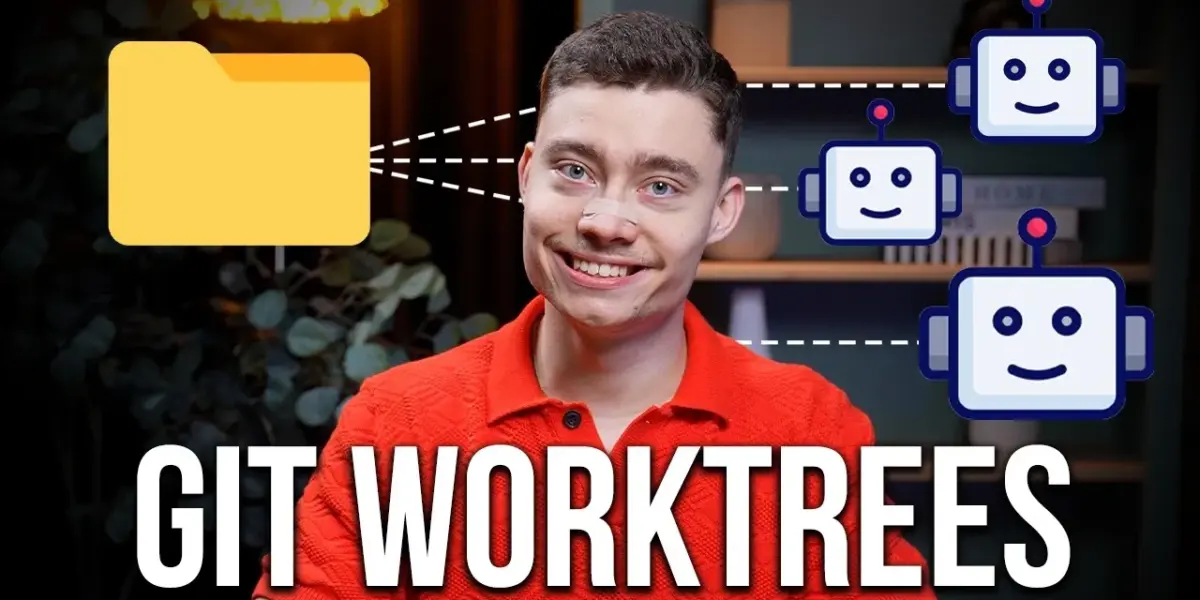
Git Worktrees Unlock AI Agent Power
In the fast-evolving world of software development, a powerful tool called Git worktrees is gaining massive attention. While not new, their importance has skyrocketed with the rise of AI agents. Understanding Git worktrees is becoming essential for developers, especially those using multiple AI assistants simultaneously.
What Are Git Worktrees?
Imagine you’re working on a project. Suddenly, a critical bug needs fixing, but you’re in the middle of developing a new feature. Normally, you’d have to save your current work (stash it), switch to the main code, fix the bug, switch back, and then reload your saved work. This constant switching wastes time and breaks your focus.
Git worktrees offer a much smoother solution. At its core, a Git worktree is essentially a separate copy of your project folder. However, it’s not just a copy; it shares the same project history as your main project. Think of it like having the same Google Document open in two different browser tabs. Both tabs show the same document, but you can edit them independently. Changes made in one tab don’t affect the other unless you choose to merge them later.
This allows you to work on multiple tasks at the same time without interference. For example, one worktree could be used for developing a new feature, another for fixing a critical bug, and a third for reviewing code.
Why the Sudden Popularity? AI Agents.
Git worktrees were created years ago, but their popularity has exploded recently. The main reason? AI agents. These AI tools, like Claude Code, can write code, fix bugs, and perform many development tasks. When using multiple AI agents at once, Git worktrees become crucial for efficiency.
Without worktrees, AI agents working on the same project might accidentally overwrite each other’s changes or cause confusion. This is known as context pollution. Git worktrees prevent this by giving each AI agent its own clean, isolated workspace within the same project. This enables true parallel execution, where different agents can work on different tasks simultaneously without conflicts.
Developers who embrace Git worktrees can become like an “agentic conductor,” managing multiple AI assistants effectively. Those who don’t risk falling behind in productivity.
Using Git Worktrees with AI Tools
For developers new to Git worktrees or those who prefer a simpler interface, tools like the Claude desktop app offer built-in support. When you start multiple coding sessions within the same project folder in the Claude desktop app, it automatically creates separate worktrees for each session.
For more advanced users, Git worktrees can be managed directly through the terminal. By using commands like git worktree add , developers can create new worktrees for specific tasks or features. To see all active worktrees, you can use git worktree list.
Practical Example: Building an App with AI Agents
Let’s consider building a web application. One AI agent could be tasked with setting up the basic structure and backend using a framework like Express.js. Simultaneously, other agents could work on different aspects in separate worktrees:
- Agent 1 (in its own worktree): Implements user authentication.
- Agent 2 (in its own worktree): Designs and builds the front-end interface.
Because each agent operates in its own worktree, their work doesn’t clash. Once they are finished, a third AI agent, or the developer, can review the work from each separate worktree and merge the changes back into the main project. This process can even handle merge conflicts automatically, showcasing the power of AI and Git worktrees working together.
Why This Matters
The ability to run multiple AI agents in parallel, each in its own isolated environment thanks to Git worktrees, dramatically speeds up the development process. It allows for complex tasks to be broken down and tackled simultaneously, reducing the time it takes to build and test software. This is particularly beneficial for larger projects where different features or bug fixes need to be addressed concurrently.
For individual developers or small teams, this means increased productivity and the ability to experiment more freely. For larger organizations, it can lead to faster release cycles and more efficient use of AI development tools. As AI agents become more sophisticated, mastering tools like Git worktrees will be key to staying competitive.
Getting Started
Tools like Claude Code offer integrated support for worktrees, making it accessible even for those less comfortable with the command line. For those who prefer the terminal, commands like git worktree add and git worktree list are straightforward to learn. The trend shows that Git worktrees are not just a niche tool but a fundamental part of modern, AI-assisted development.
Source: Git Worktrees Clearly Explained (and how to use them) (YouTube)

Related Articles


Claude Co-work Unlocks AI Agents with New Projects Feature
Claude Co-work has launched a new 'Projects' feature, simplifying the use of advanced AI agents. This system allows users to organize tasks and contexts into separate project folders, enhancing AI interactions and personalizing outputs like news briefings. A Claude Plus subscription is required, with referral codes offering free trial periods.


AI Agents Need a Better Way to Talk to Us
The next big opportunity for startups lies in creating the ideal interface for managing multiple AI agents. Current methods are clunky, but new tools are emerging. The right system could unlock powerful AI collaborations for complex tasks.


Anthropic’s Claude Now Controls Your Computer
Anthropic's Claude AI can now control your computer, opening apps and browsing the web. This major update brings it closer to open-source alternatives like OpenClaw but with enhanced security and ease of use. The AI can also be managed via phone, signaling a new era of integrated AI assistance.